 Press kit
Orbbii, for the press.
Blurbs, key facts and the app icon, free to use when writing about Orbbii. Questions or interview requests: support@orbbii.com.
At a glance.
- Name
- Orbbii
- Platform
- MacmacOS 14 or later. iPhone coming soon.
- Price
- FreeSync and the AI connector included. No in-app purchases.
- Works with
- Claude, ChatGPT, Grokand any assistant with custom (MCP) connectors
- Launch
- 2026
- Website
- orbbii.com
- Press contact
- support@orbbii.com
Say it in a line, or a few.
One-liner
Orbbii is a free Mac planner for the everyday and the adventures. Get it all done, then go do something worth remembering.
Short
Orbbii is a planner for the Mac that keeps the everyday planned and out of the way, so you can put your energy into what you'll actually remember. Tasks, projects and smart views like Today handle the things you have to do. Adventures plan the things you want to do, at any scale: a birthday party by the hour, a weekend away, or two weeks in Europe, with places on a map, a timeline and the to-dos that make it happen. Your AI helps with both: Orbbii works with Claude, ChatGPT, Grok and any assistant that supports custom connectors. It's free, sync included.
Long
The things you have to do pay for the things you want to do. Orbbii plans both.
On the everyday side, Orbbii is a full task manager: tasks with separate start and due dates, projects grouped into areas, tags, checklists, and smart views like Today that show what matters right now. A global hotkey opens quick capture from anywhere on your Mac. The everyday gets planned, prioritized and out of your head.
Adventures are the point. An adventure is anything worth looking forward to, at any scale: a kid's birthday party planned down to the hour, a weekend getaway, or two weeks of flights and trains across Europe. Each one brings places on a map, a timeline by the hour or by the day, links, and the to-dos that make it happen into one place. When it's ready to show people, Orbbii turns it into a portrait or square image, a plan PDF, or an unlisted web page with Plan and Explore views. Every share link can be revoked.
AI runs through both halves. Assistants are great at ideas and bad at remembering them, so Orbbii gives them somewhere to put the plan. The Orbbii connector works with Claude, ChatGPT, Grok and any assistant that supports custom (MCP) connectors. Ask for a weekend plan and the places land in your adventure, the days fill in, and the bookings become dated tasks. It goes both ways: your AI can read your plate, help you prioritize, and pick up a plan where you left off. It runs on your own AI account, signs in with OAuth, and access can be revoked at any time.
Orbbii is local-first and syncs across your devices. It's free, sync and the AI connector included, with no in-app purchases. It runs on macOS 14 and later, and an iPhone version is coming soon.
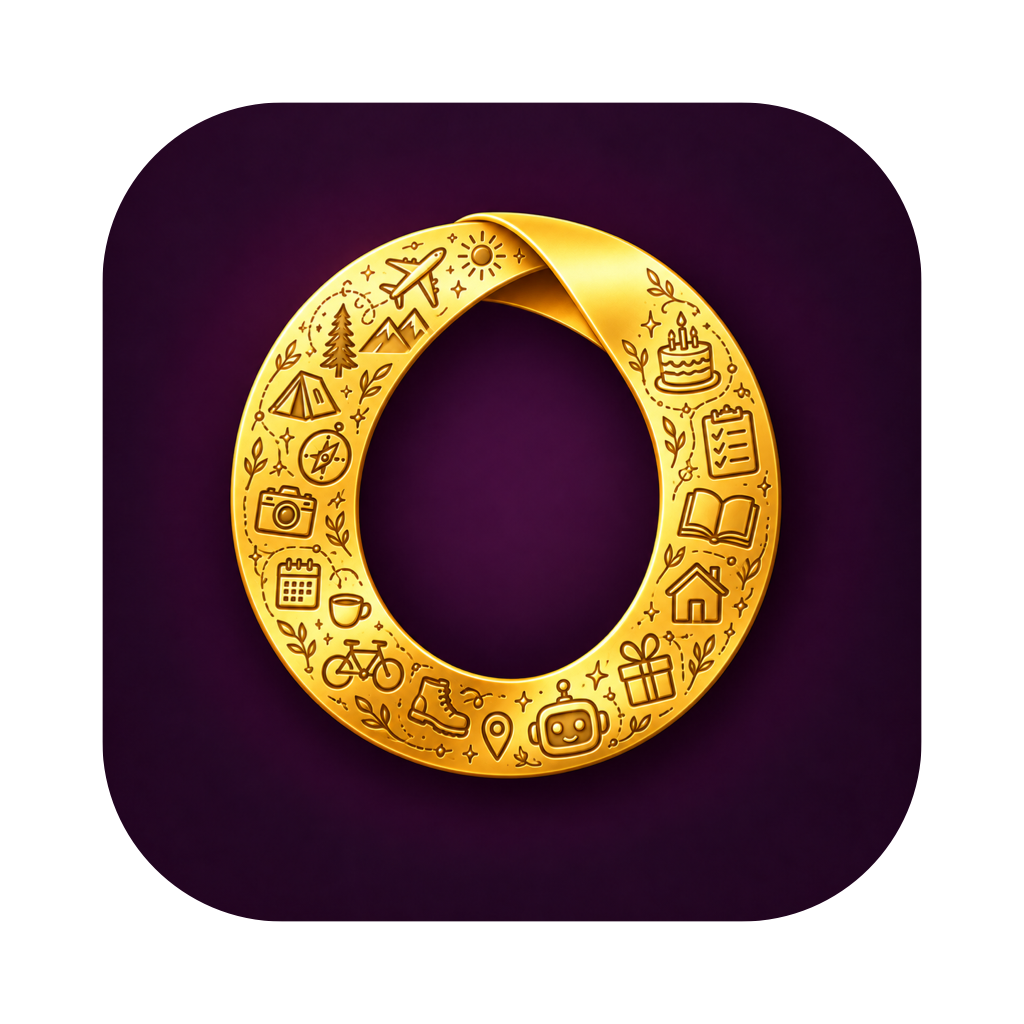
The Orbbii icon.
PNG files in the macOS icon shape (transparent background) and as a full-bleed square. Please don't recolor, crop or redraw the icon.



Screenshots.
Screenshots are coming after QA. They'll be added here and to the downloadable kit.